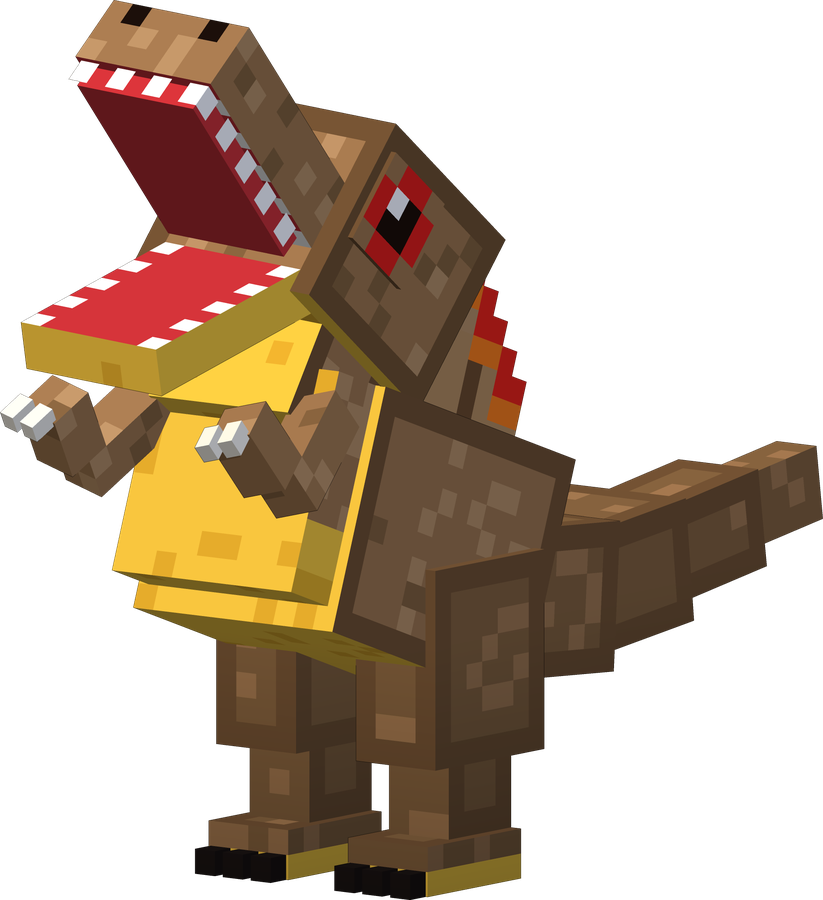
Spino
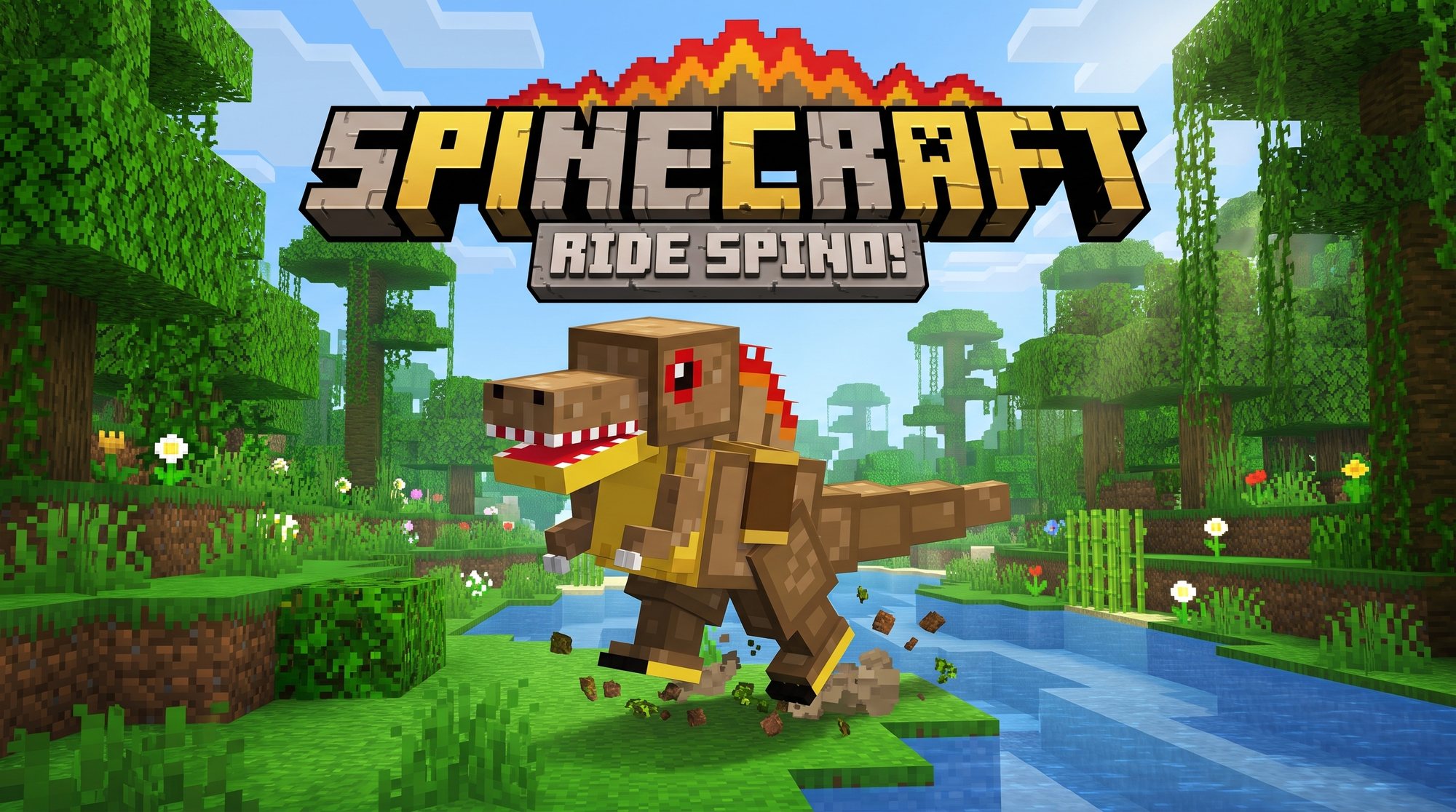
Brave, loud and a bit annoying
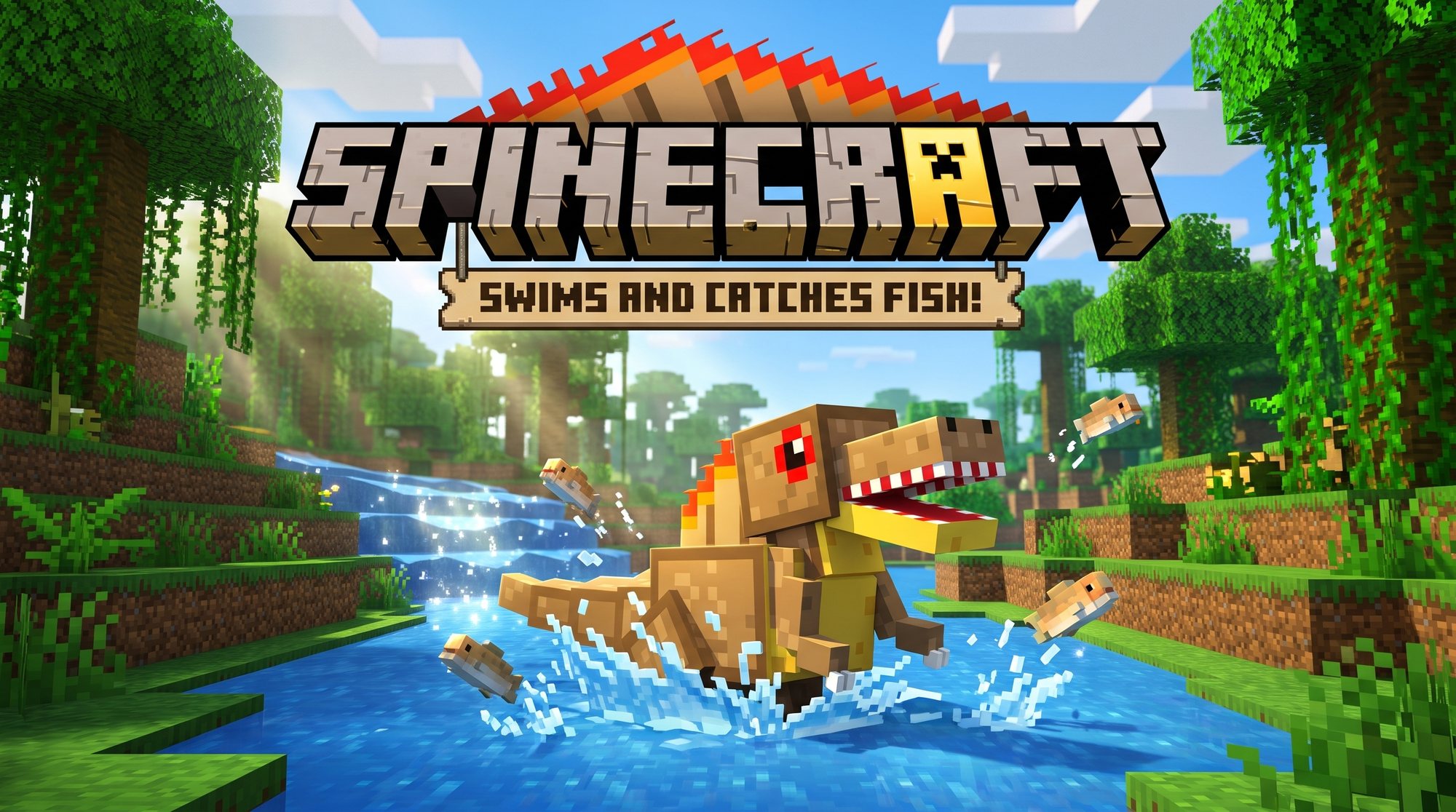
- 🐟Tame him with raw fish!
- 🐴Put a saddle on him and ride him!
- 🛡️He fights monsters to keep you safe.
- 🍖He eats your dropped meat! And he ROARS a lot.
👆 Tap me!
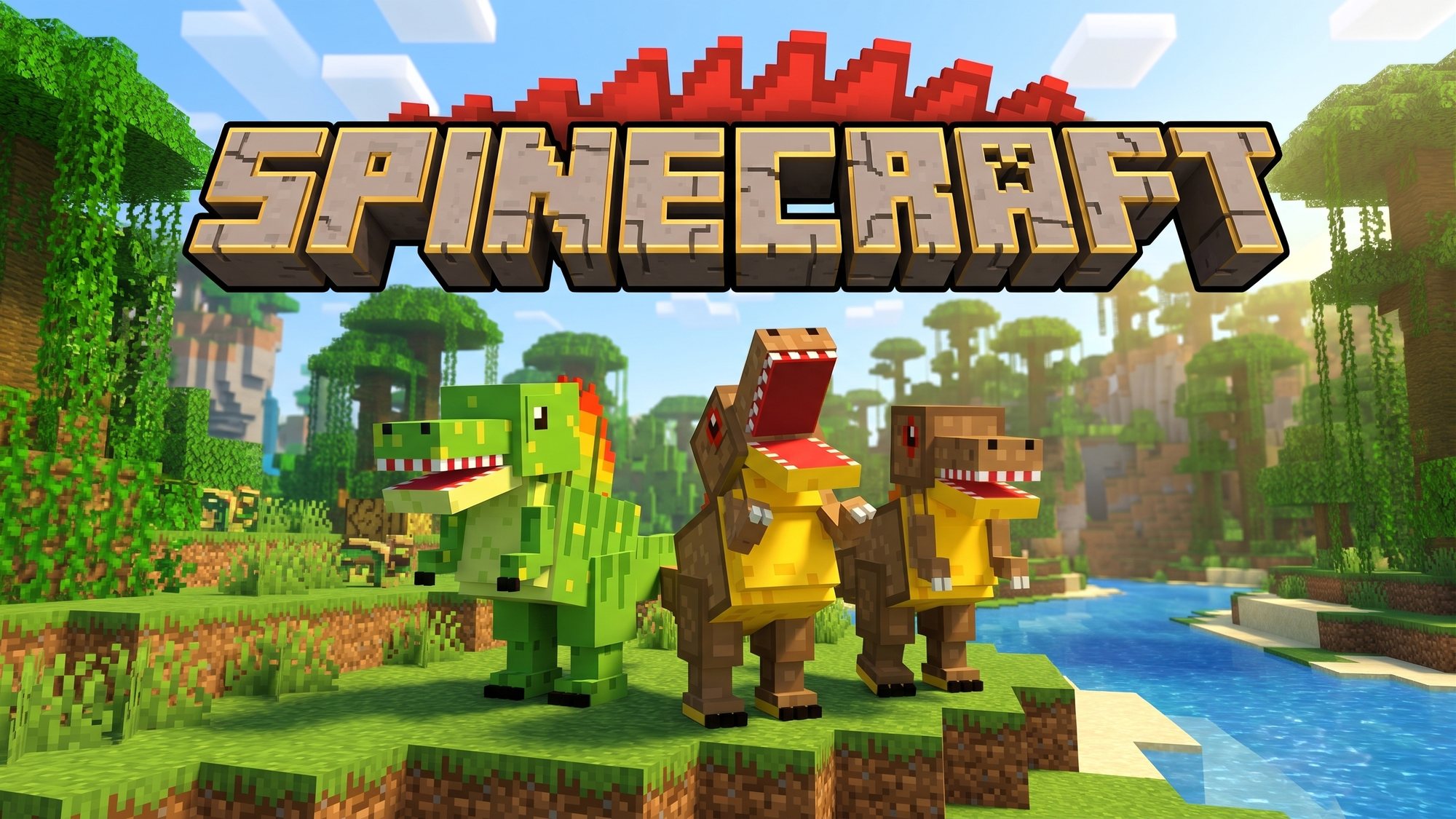
Three dino pets for Minecraft: Spino, Meato and Clone Spino!
Grown-ups: the steps to put it on the iPad are further down.
Tap a dino to say hello!
Brave, loud and a bit annoying
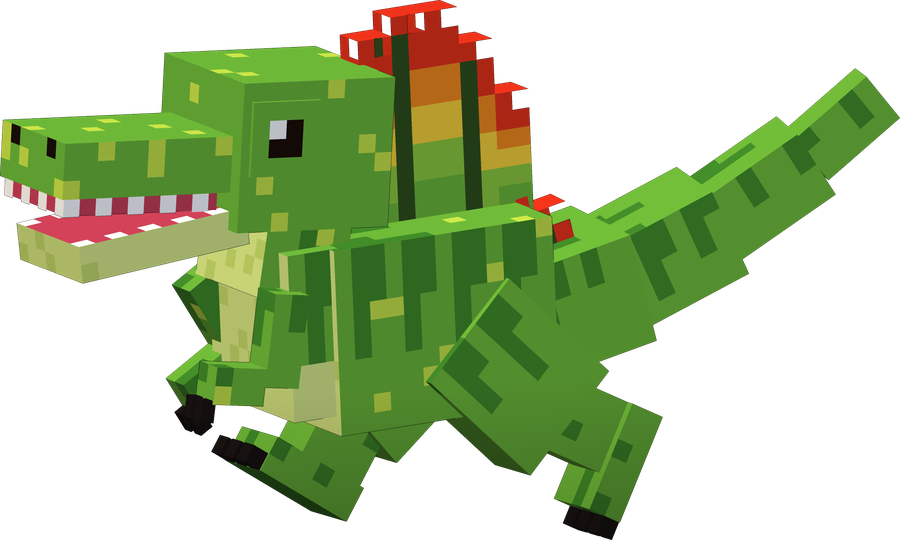
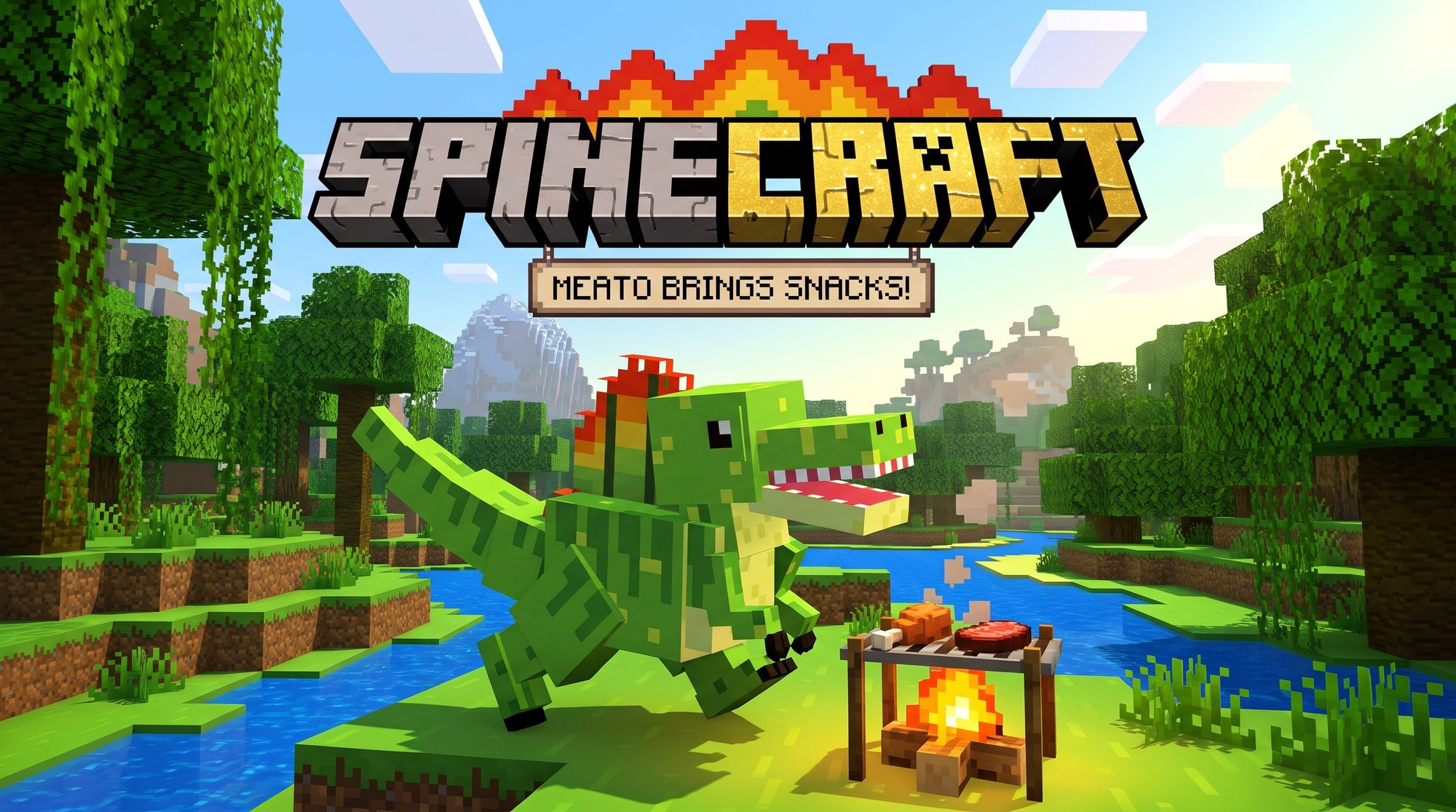
The wise big brother who brings snacks
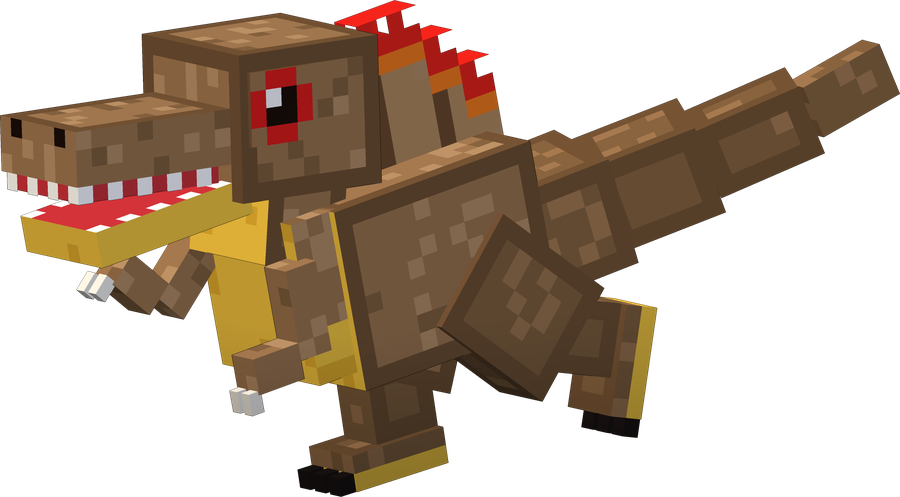
Just like Spino, but super polite
Swipe to see more. Tap a picture to make it big!
Grown-up, read these out loud and do them together!
Tap the yellow Get Spinecraft! button at the top. If the iPad asks, tap Download.
Open the Files app, go to Downloads and tap Spinecraft.mcaddon. If Minecraft doesn't open by itself, tap Share → Minecraft (it may be under More).
Minecraft says the import started, then that it finished. Wait for both!
Tap Play, then the pencil next to the world. Make a copy first and edit the copy.
Behavior Packs → Available → Spinecraft → Activate (say yes to the warning). Then check Resource Packs: Spinecraft should be on too.
Tap Play. In Creative, look in the spawn eggs for Spino, Meato and Clone Spino. Hatch your new friends!
🏆 Why a copy? Turning on add-ons switches off achievements for that world, so using a copy keeps the achievements on Claire's original world.