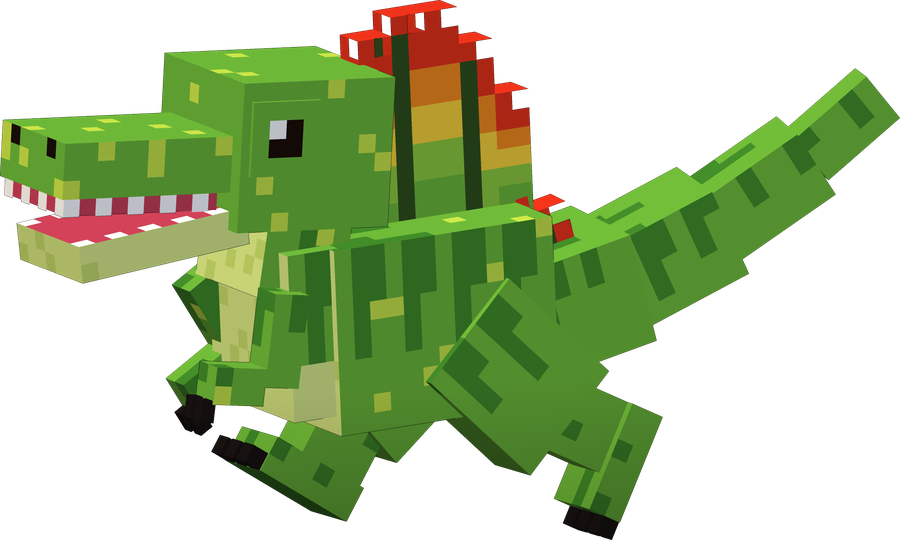
Spino
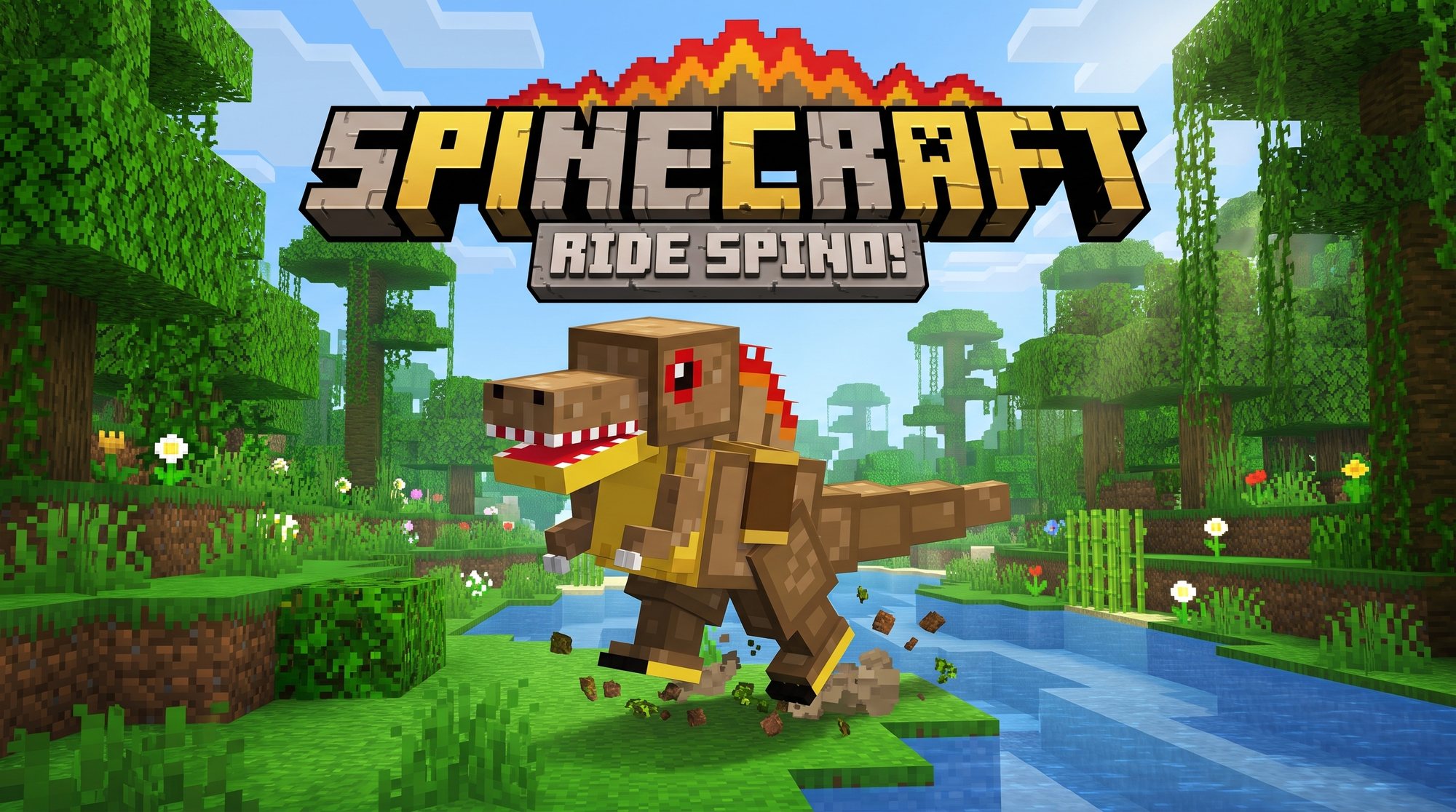
Brave, loud and a bit annoying
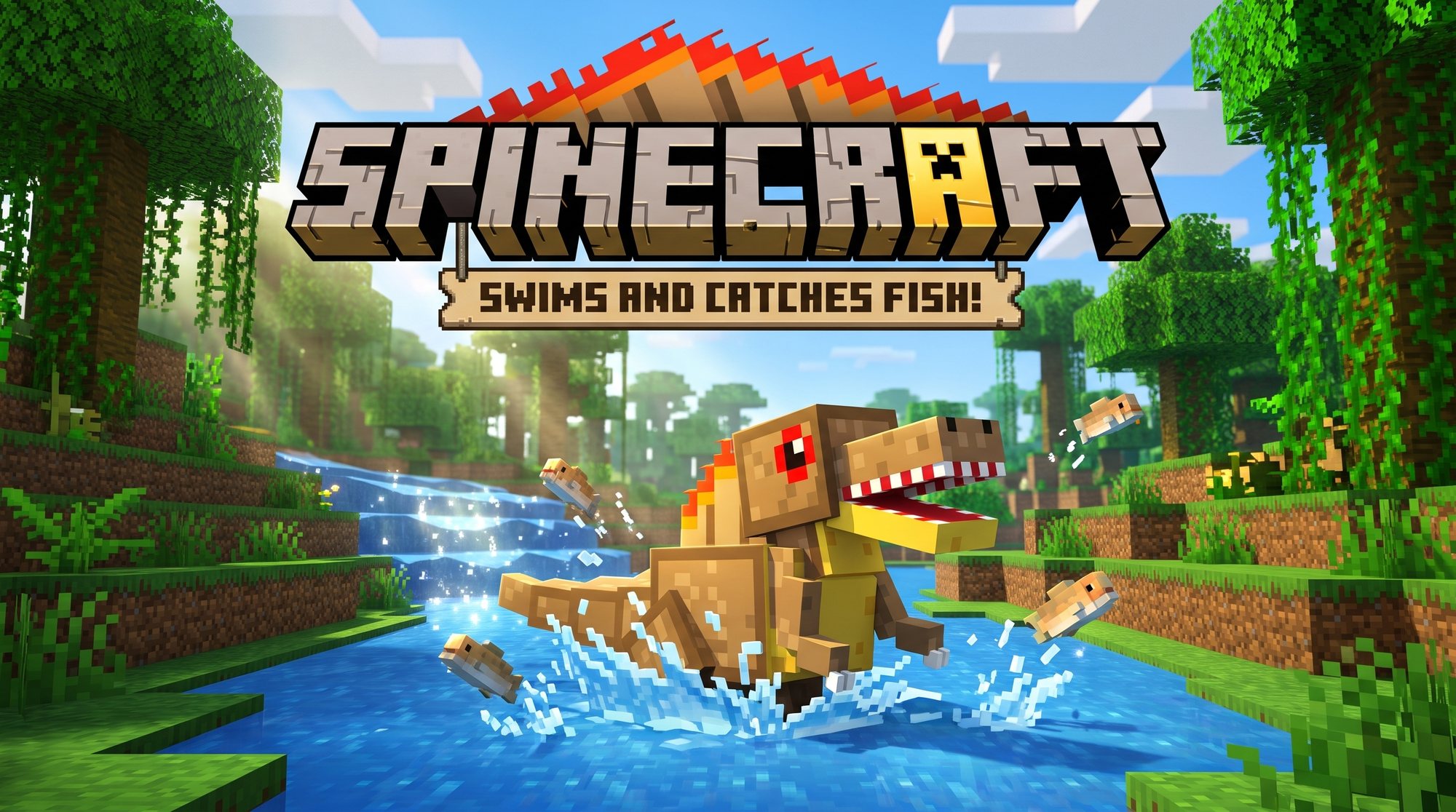
- 🐟Tame him with raw fish!
- 🐴Put a saddle on him and ride him!
- 🛡️He fights monsters to keep you safe.
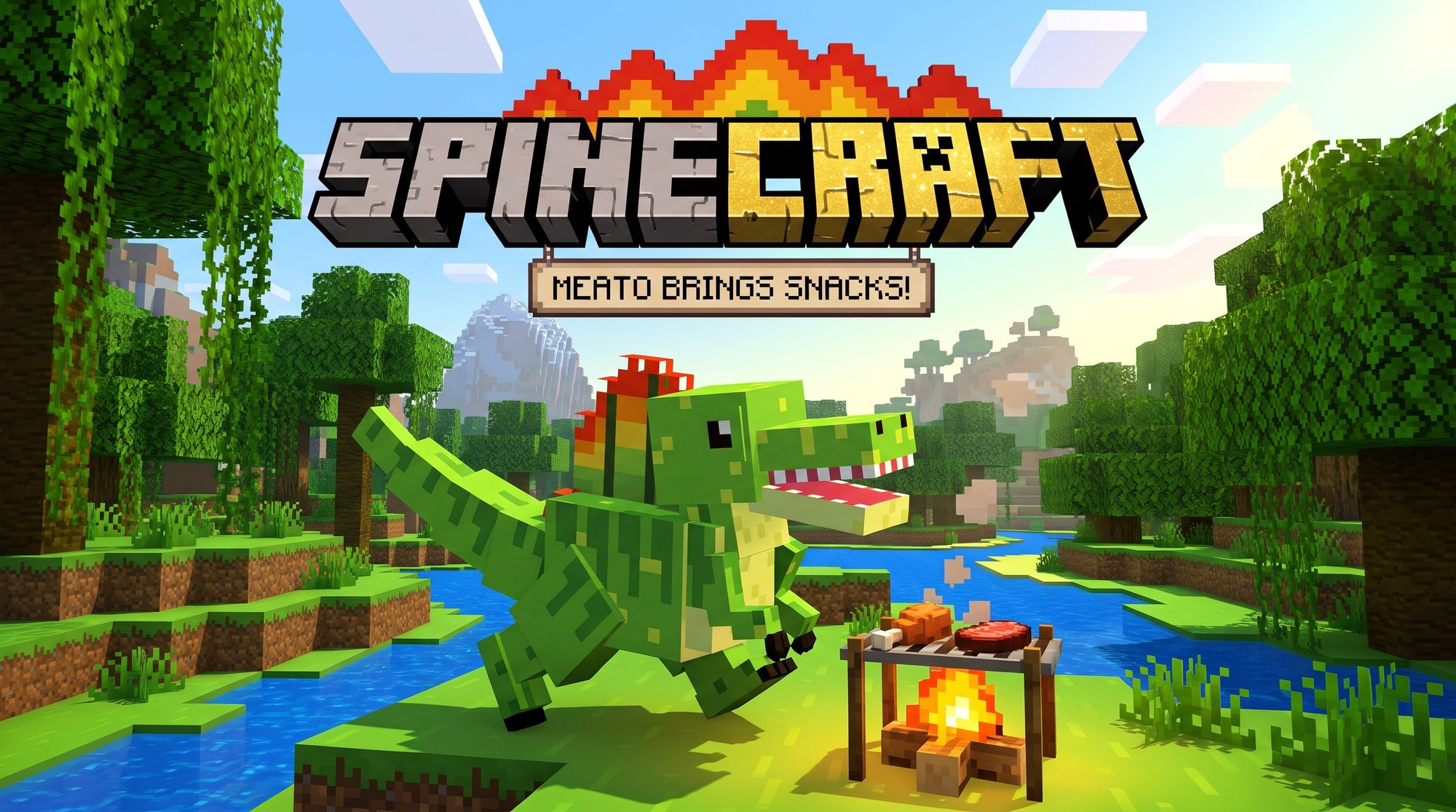
- 🍖He eats your dropped meat! And he ROARS a lot.
👆 Tap me!
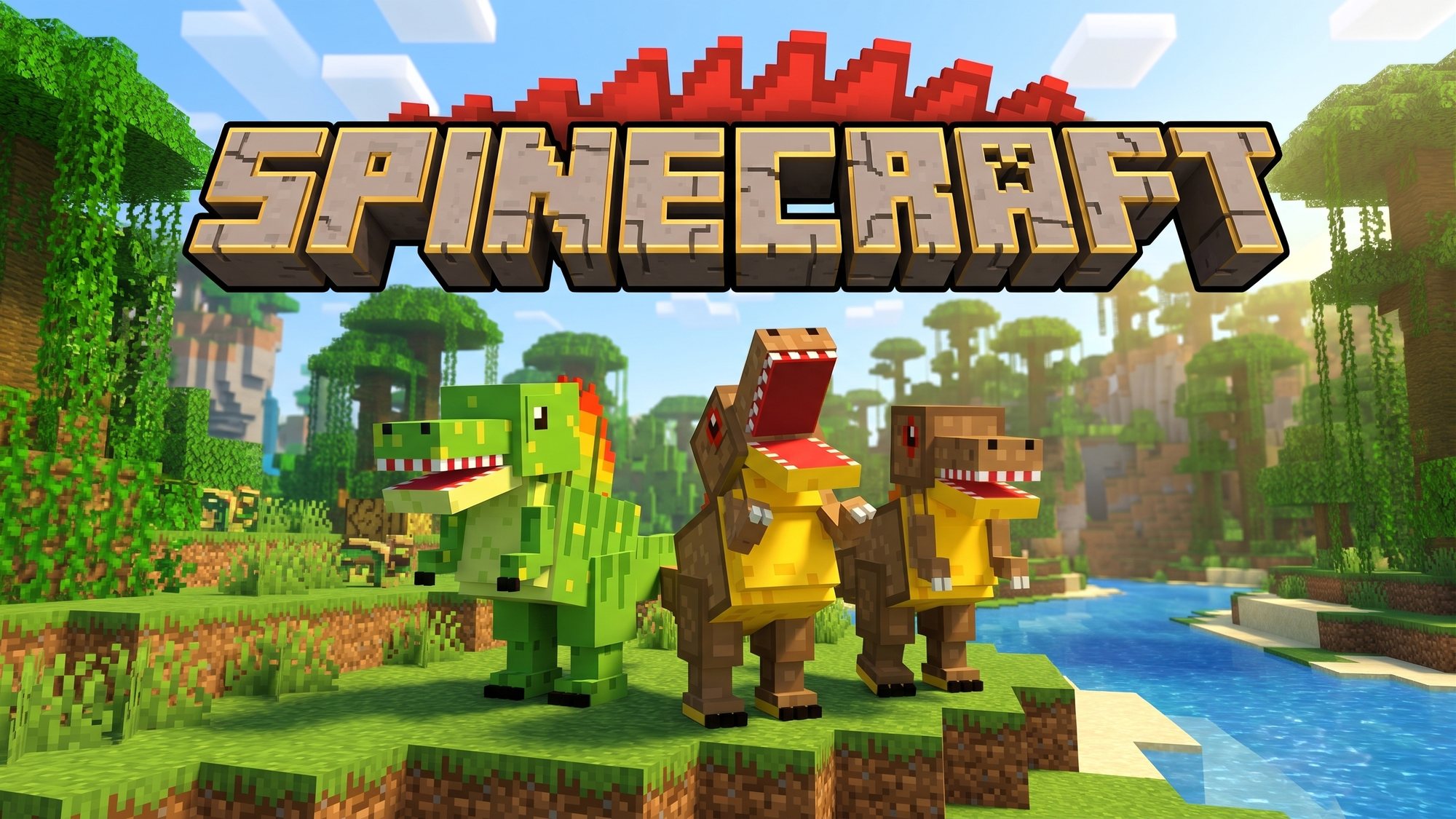
Three dino pets for Minecraft: Spino, Meato and Clone Spino!
Version 6.3.2. One file has it all: the dino add-on and the ready-made Spinecraft Adventure world. The button opens the Spinecraft downloads folder on Google Drive. Grown-ups: the iPad steps are further down.
Tap a dino to say hello!
Brave, loud and a bit annoying
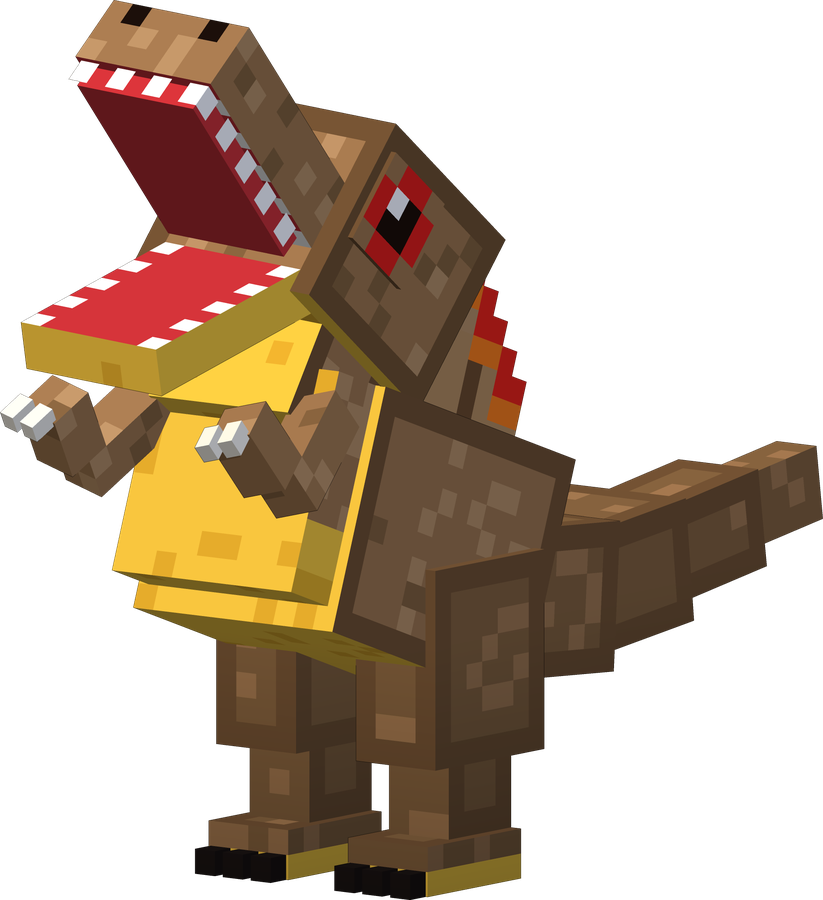
The wise big brother who brings snacks
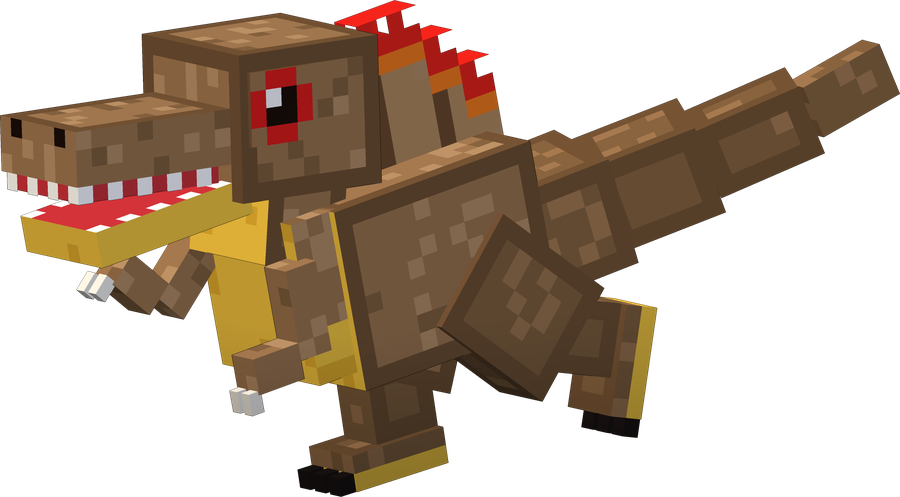
Just like Spino, but super polite
Swipe to see more. Tap a picture to make it big!
Grown-up, read these out loud and do them together!
Tap the yellow Get Spinecraft! button at the top and open it in the Google Drive app, signed in as justin@xenetwork.org.
Tap ⋯ next to Spinecraft.mcaddon → Open in → Minecraft.
Minecraft says the import started, then that it finished. Wait for both! Then fully close Minecraft (swipe it away) and open it again. This one file brings the dino add-on and the Spinecraft Adventure world.
Tap Play → Create New → Templates (Owned by me) → Spinecraft Adventure.
Tap Create. Spinecraft is already on in this world, in Creative. Every new Adventure world gets a new map.
In Creative, look in the spawn eggs for Spino, Meato and Clone Spino. Hatch your new friends!
🧩 Want the dinos in a world you already have? Tap the pencil next to it, make a copy, then on the copy: Behavior Packs → Available → Spinecraft → Activate. (Add-ons switch off achievements for that world, so the copy keeps them on the original.)
🖼️ Extra, optional: Spinecraft-Menu-Background.mcpack in the same Drive folder puts Spino's valley behind the Minecraft title screen (open it in Minecraft the same way, then turn it on in Settings → Global Resources). The old separate "Spinecraft Adventure" template file is gone: it is inside Spinecraft.mcaddon now.